

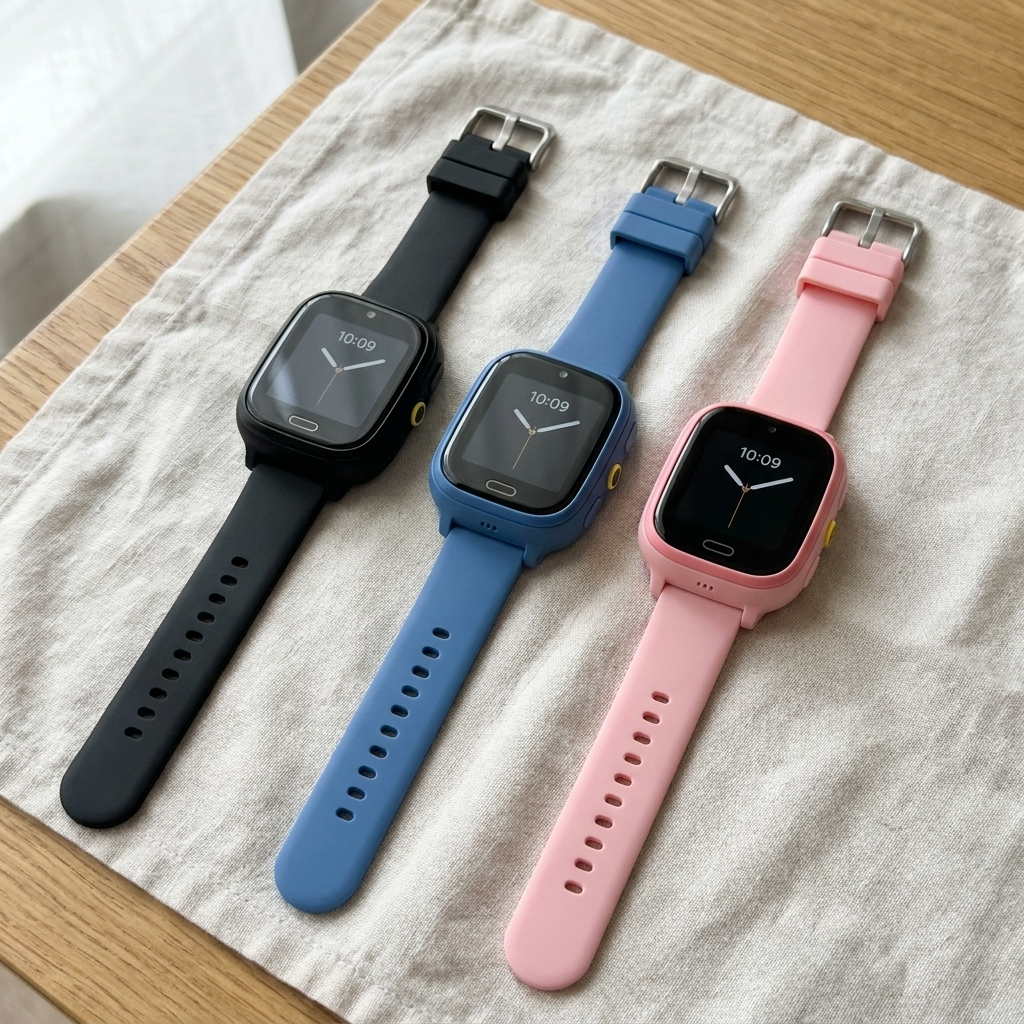
Kidspot™ — Kids' Location Watch | GPS + Wi-Fi + LBS Triple-Lock | No Subscription
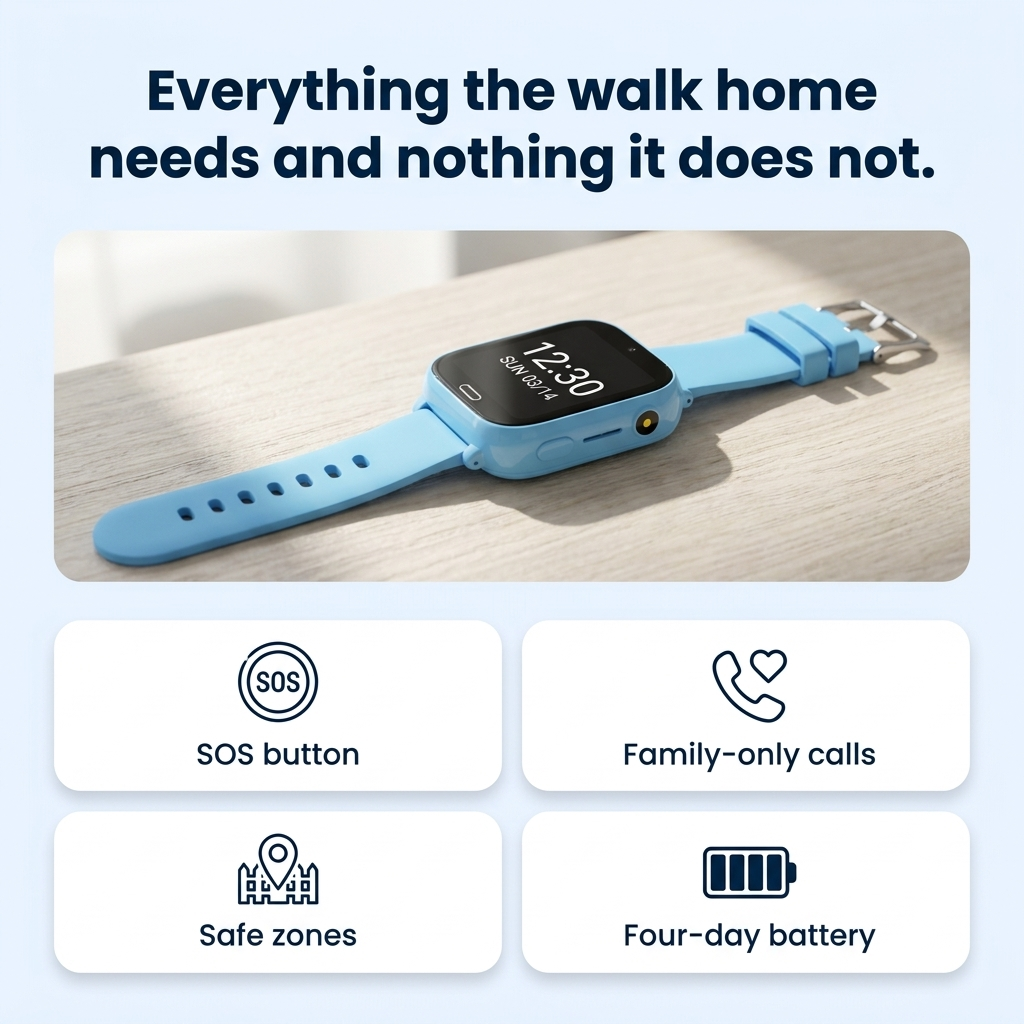
📍 Triple-Lock Positioning — GPS + Wi-Fi + mast, cross-checked. Most sub-£80 watches carry no GPS chip at all
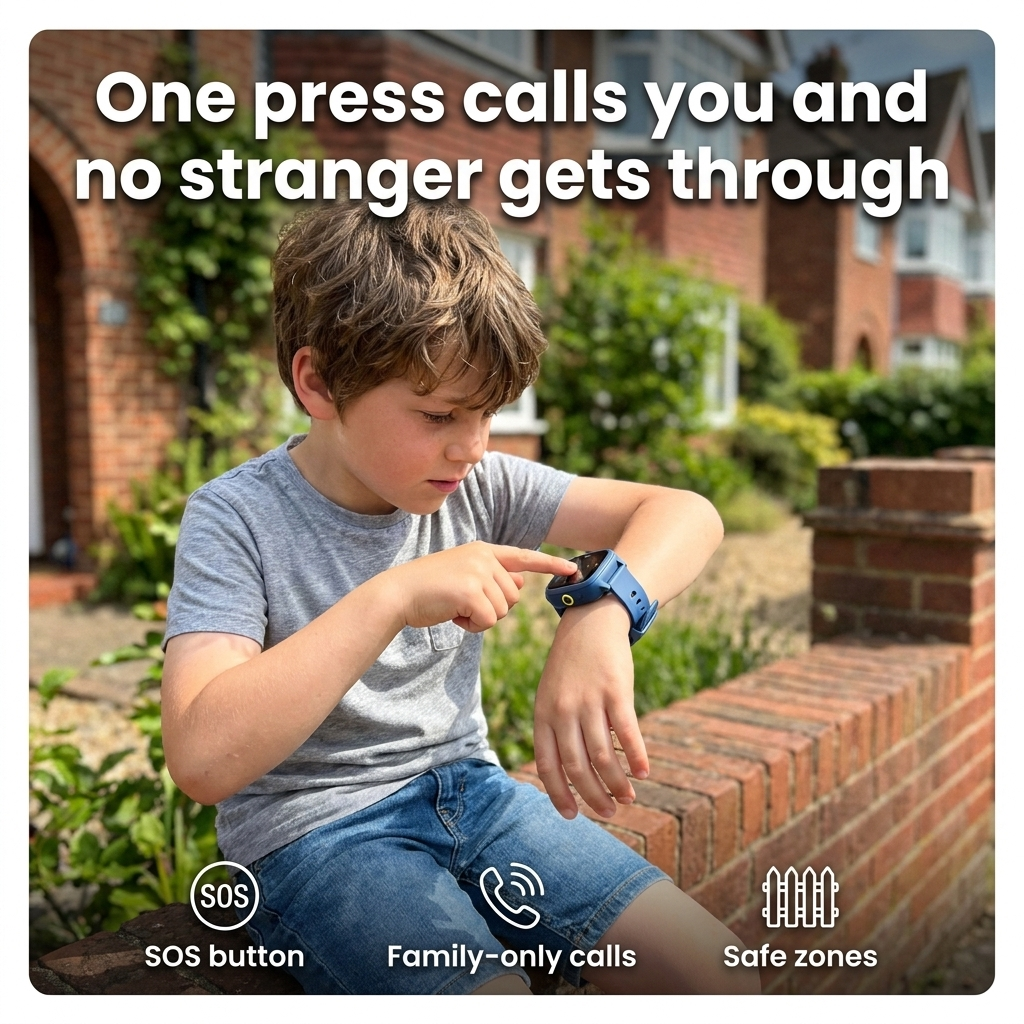
📞 Your numbers only — two-way calls to an approved list, SOS to 3 contacts, unknown callers rejected. No internet
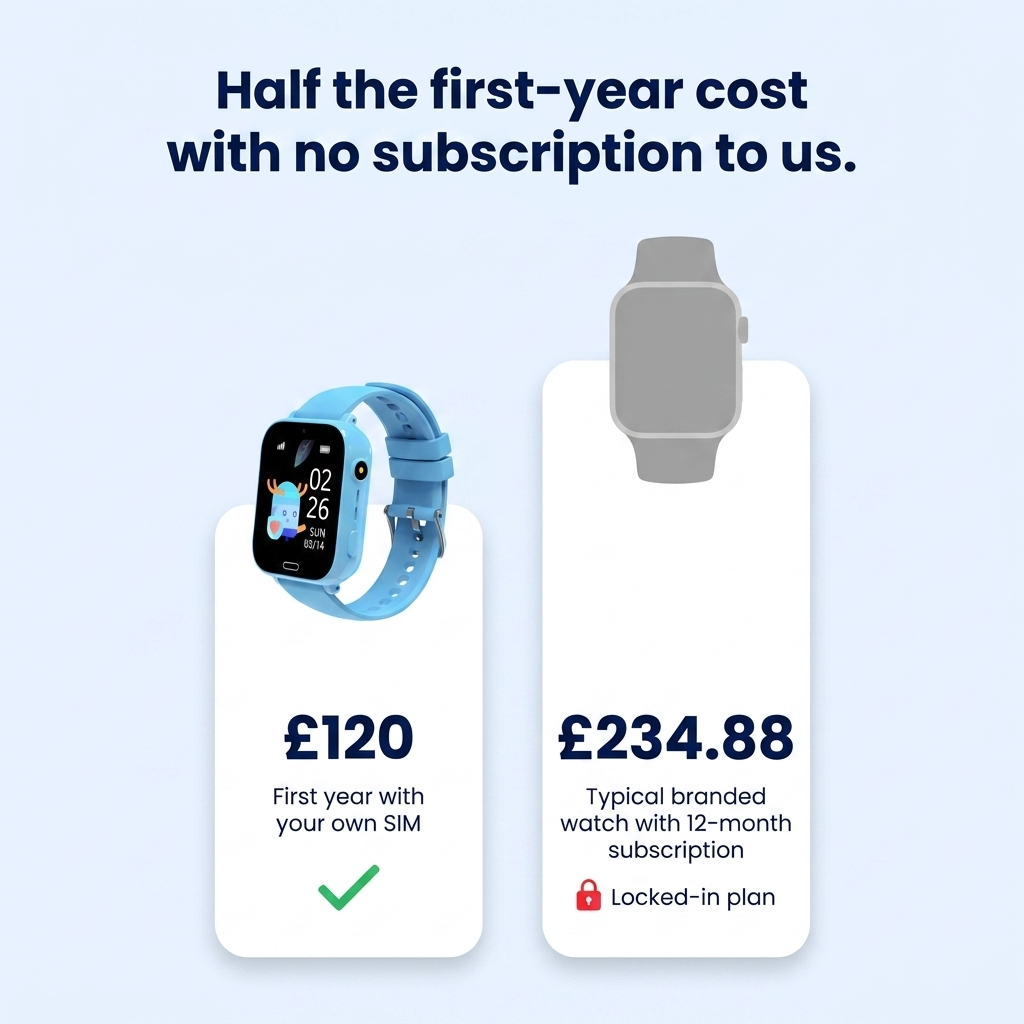
💷 No subscription to us, ever — use any UK PAYG SIM (not included). About £120 year one vs £234.88 at Xplora
Kidspot™ — Kids' Location Watch | GPS + Wi-Fi + LBS Triple-Lock | No Subscription
They tried Kidspot™
If you've been here, you already know the problem
Three moments every parent of a seven-to-eleven-year-old recognises. None of them are about danger.

The twenty minutes
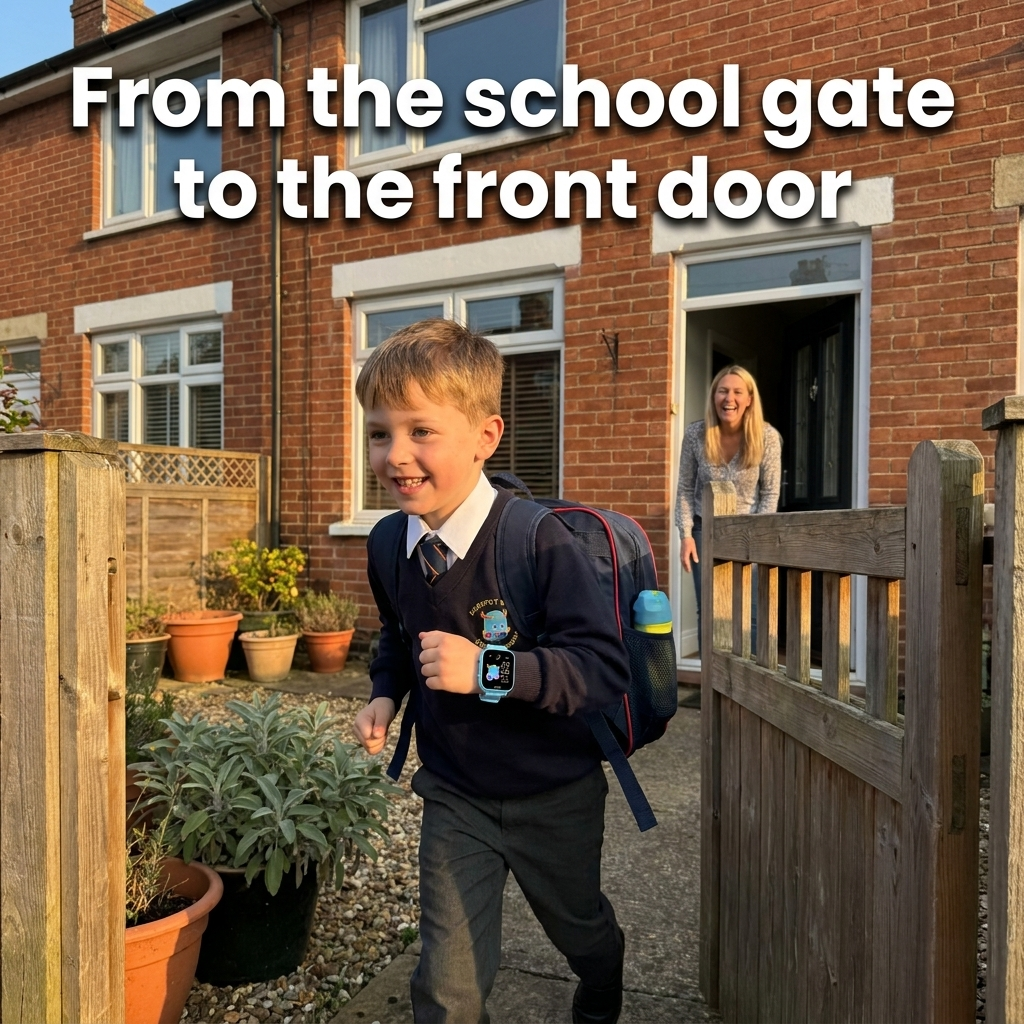
School gate to front door. You know when they left. You know roughly when they should arrive. In between there is nothing at all — no way to check, nobody to ring. They're fine. You're the one having a bad twenty minutes, and you know it.
The watch that lied
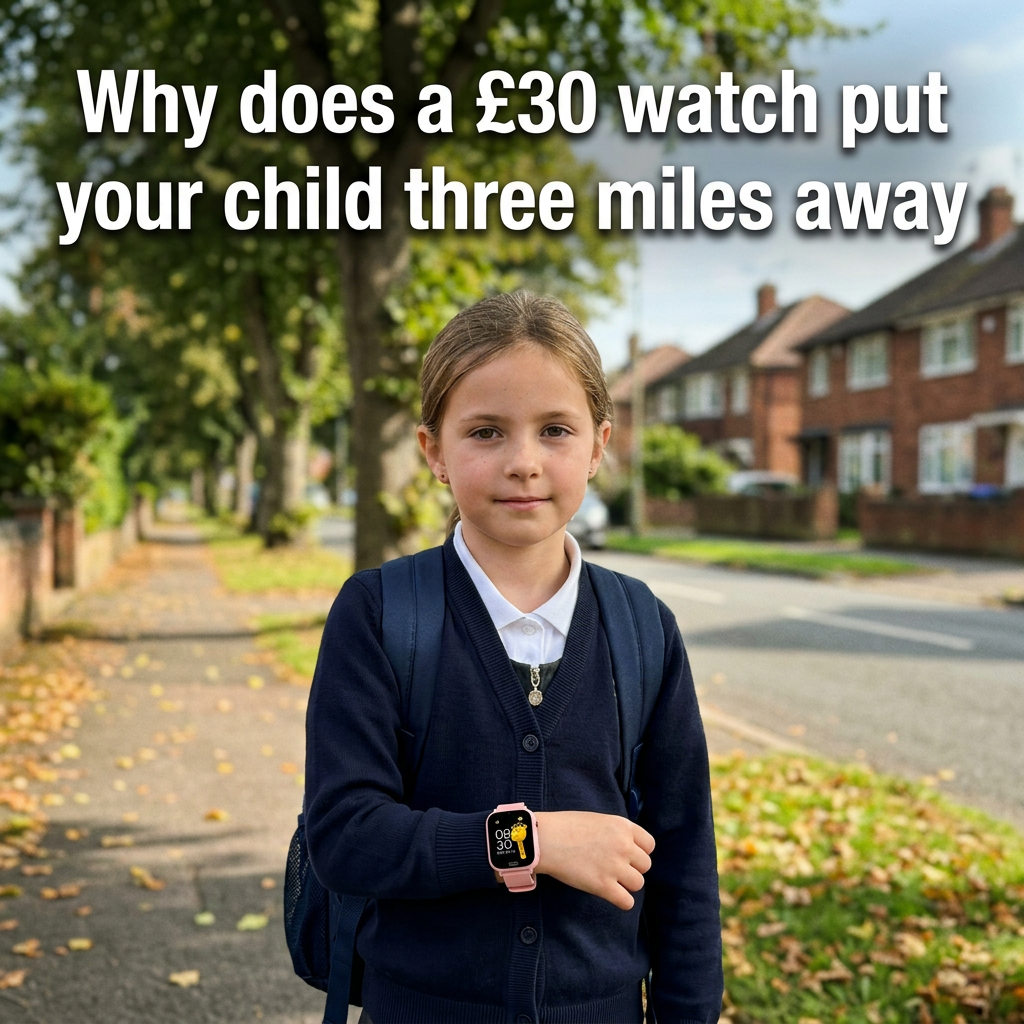
You bought the £30 one, or a friend did. One afternoon the app showed him three miles away in the woods. He was at the park across the road. Three minutes of genuine panic later, the watch went in a drawer and never came out.
The phone you don't want to give
The average British child gets their first smartphone at 8.9 years old. You'd rather hold out until secondary school. But saying no without offering anything instead just leaves them out — and leaves you with the same blank twenty minutes.
You don't need certainty. You need a way to check that tells you the truth.
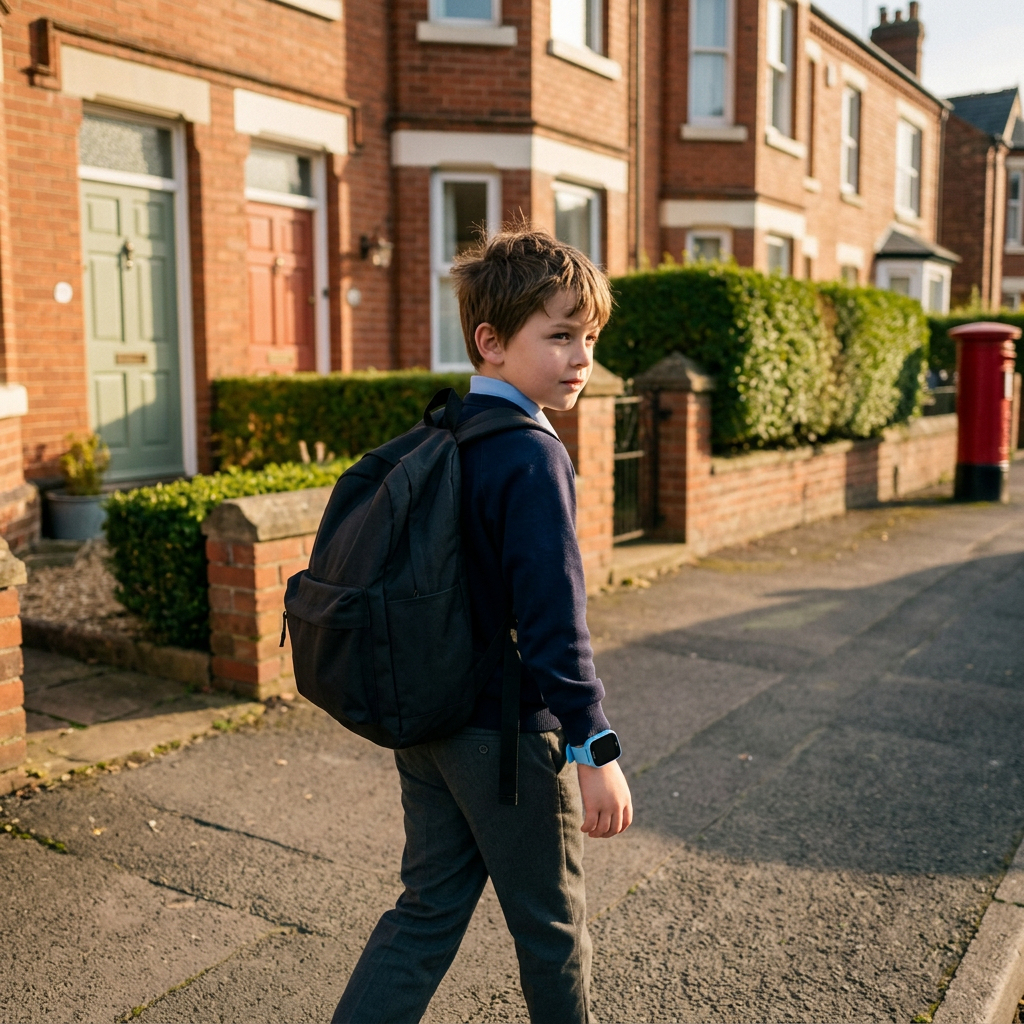
You walked home from school. Your child probably doesn't.
In 1971, a London researcher asked parents across five English districts a simple question: do you let your child come home from school on their own? 86% said yes. He asked again in 1990 — 35%. And again in 2010 — 25%. Allowed to take the bus alone: 48%, then 15%, then 12%.
In forty years, English children's independence was cut by more than two thirds. And here is the part that should let you off the hook: nothing in the crime figures explains it. Traffic is part of the story. But mostly what disappeared was the informal network that used to watch the walk — the neighbour behind the curtain, the shopkeeper who knew what time he went past, the other mums at the gate. The village stopped looking.
So parents did the only thing left to them: they came along. Every day, every trip. And every extra car on the school run made the road a little worse for the child next door.
Children's freedom didn't die of danger. It died of not being able to check.
Why the watch said he was three miles away
It didn't glitch. It did exactly what it was built to do — and almost nobody selling these watches will tell you what that is.
“When I looked for him, he was over 3 miles away in the woods. Stupid watch scared me. He was at the park just across from the house. The GPS is rubbish on so many of those damn things.”
— parent, Mumsnet

What most sub-£80 watches do
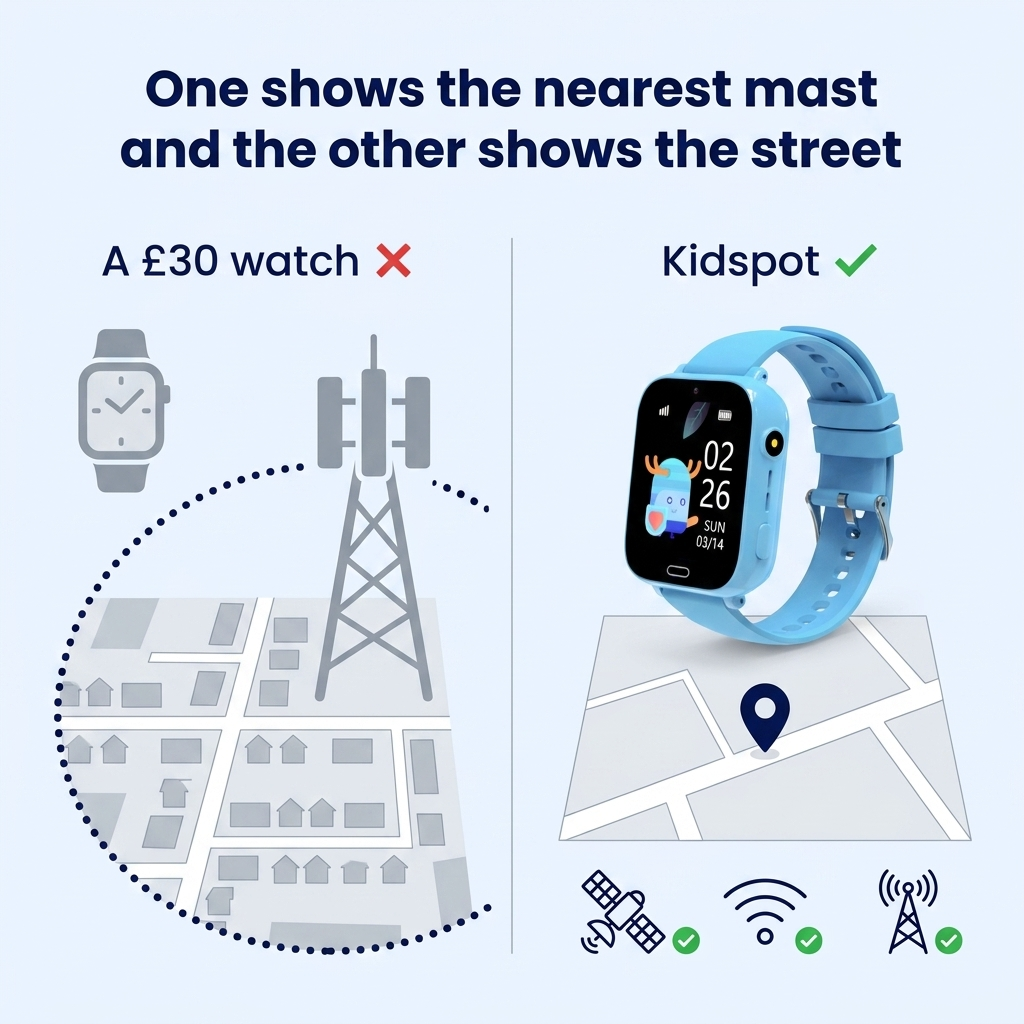
They locate the phone mast. Not your child.
The overwhelming majority of children's watches under £80 have no GPS chip inside at all. They use LBS — the watch reports which mobile mast it's connected to, and the server draws a circle around that mast.
In a dense town that circle is a few hundred metres. Where masts are further apart it can be several kilometres. And the position can be up to an hour old.
So the error isn't random — it's systematic. The watch always gives you the mast. It goes wrong in the same places every time: parks, footpaths, the edge of town. Exactly where a child leaves the expected route, and exactly when you look at the map.
What Kidspot does
It carries the chip the others leave out.
Kidspot has a real GPS satellite receiver — and it doesn't rely on it alone. GPS, Wi-Fi and mast data run in parallel and cross-check each other, because none of the three works everywhere.
That's Triple-Lock Positioning, and it's the reason this page exists.
Here's the honest version of the price argument: paying £30 more for the same architecture changes nothing at all. You're not paying us for a brand. You're paying for a component that is physically absent from the cheap ones.
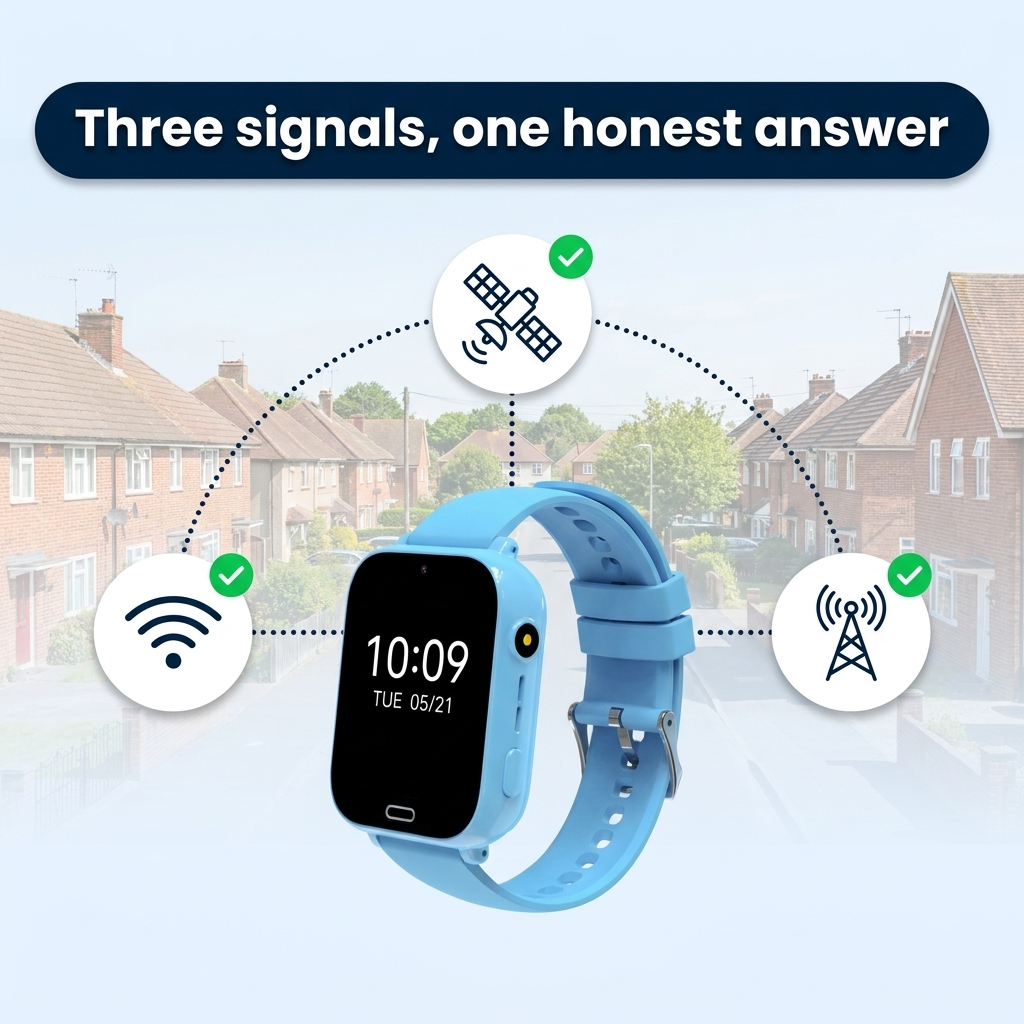
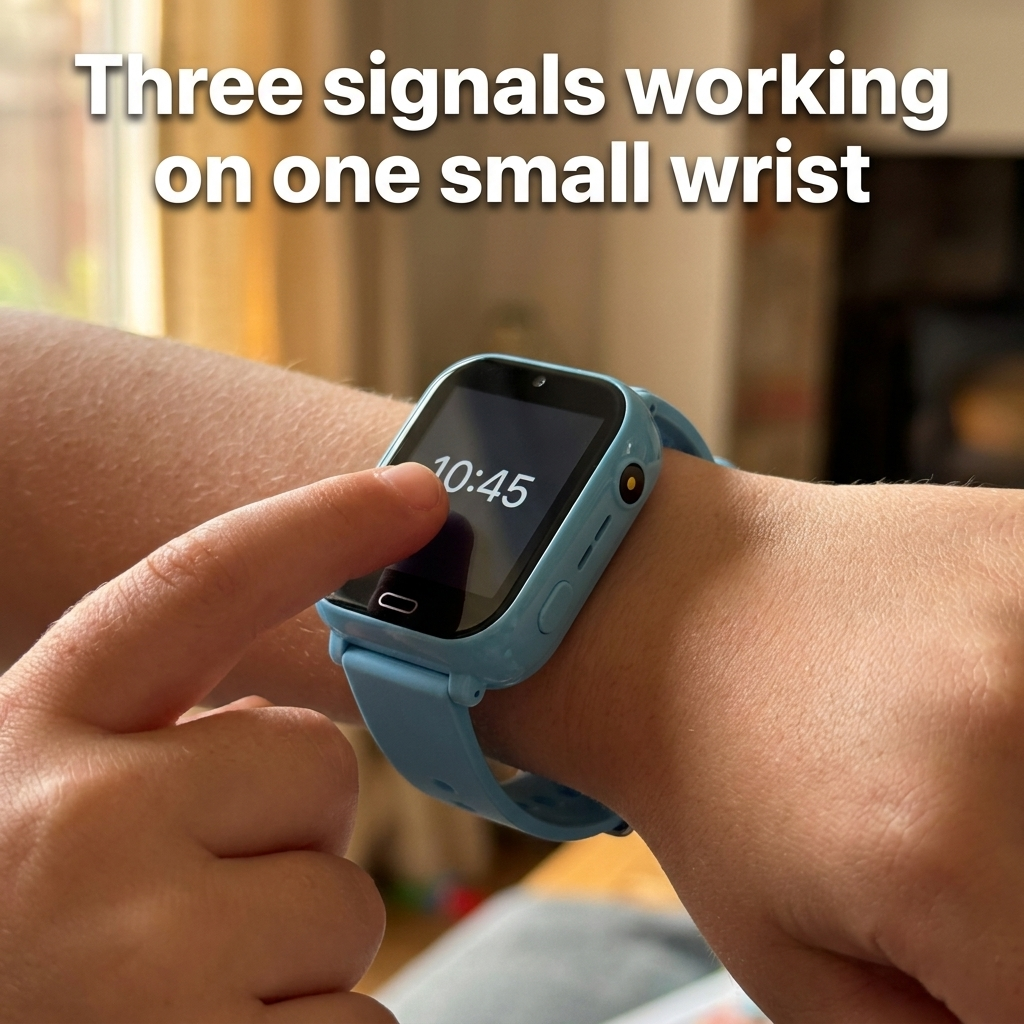
📍 Triple-Lock Positioning — three signals, one position that holds
Kidspot doesn't replace mast positioning. It surrounds it. Three sources run at once and correct one another, for one reason: their blind spots don't overlap.
🛰️ GPS satellite — outdoors, under open sky. The street, the park, the footpath. Where children actually walk
📶 Wi-Fi — indoors and on dense streets, by mapping the access points around them
🗼 LBS mast — anywhere there's signal. Never the main source; the safety net underneath the other two
Where GPS drops out — inside a building — Wi-Fi takes over. Where Wi-Fi vanishes — open countryside — the sky is clear and GPS takes the lead. Mast data is only ever the floor, never the answer.
“Triple lock” is a phrase every British adult already understands. Here it happens to be literally true.
Where each signal works — and where it doesn't
We publish the blind spots too. A watch that only tells you its strengths is how you end up three miles into the woods.
🛰 GPS satellite
Outdoors, open sky. Streets, parks, footpaths — the walk home
Under a roof, on a bus, or between tall buildings
📶 Wi-Fi
Indoors and dense streets. Homes, shops, schools, town centres
Where nobody lives — open countryside, large fields, moorland
📡 LBS mast
Anywhere with mobile signal. The last-resort net
Neighbourhood-level only — never street-level, never the main source

One payment — not £234.88 in the first year
The price on the box isn't the price. Here is the twelve-month total, which is the only number that matters.

£59.90 for the watch, plus roughly £5–10 a month for a SIM you own and can cancel any time. We never bill you.
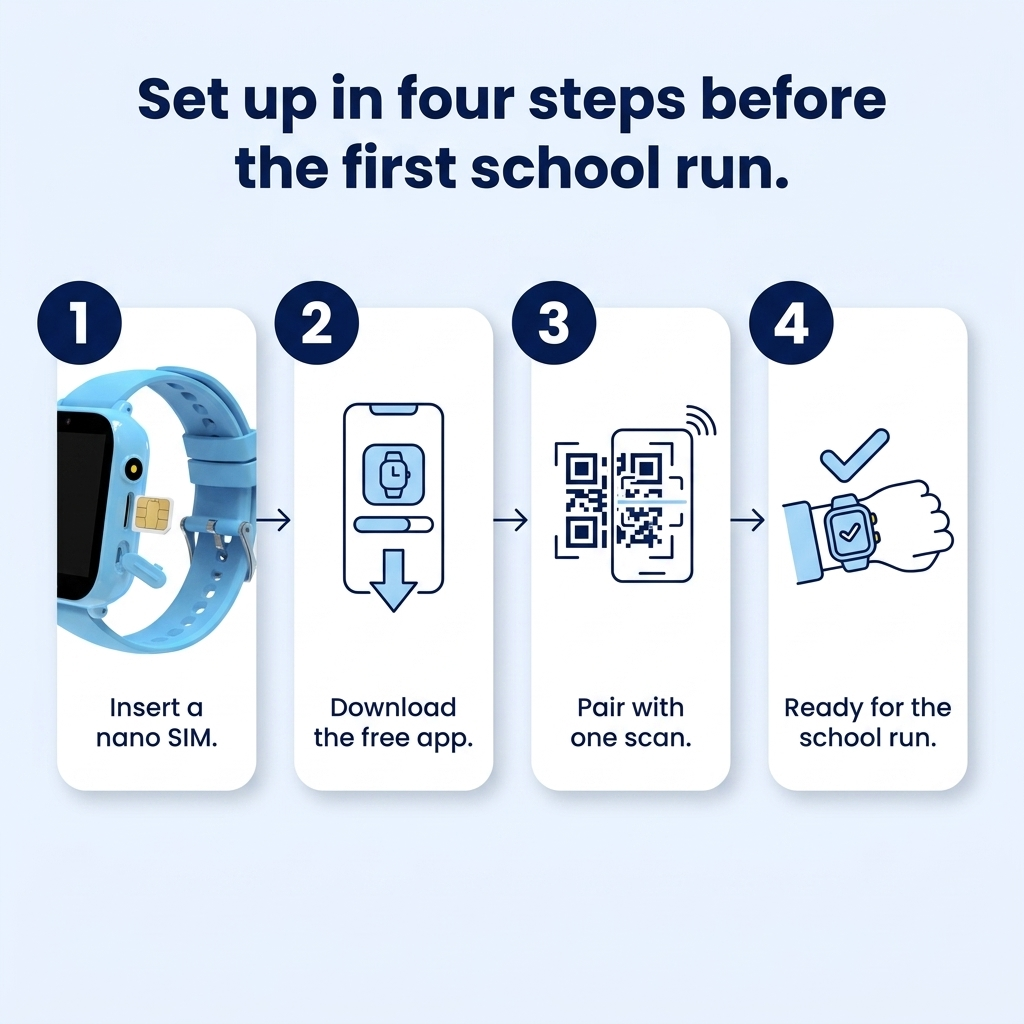
Set up in an evening, not over a weekend
“Expensive to get running” is the most common complaint in this whole category. Four steps — and we give you the SIM setting that trips everyone up.

Put a SIM in
Any UK nano SIM with voice and data. Turn the PIN lock off first — that single setting is behind most of the “it won't connect” reviews in this category.
Charge it fully
About two hours on the magnetic cable. It clicks on — no port to line up, nothing to wear out, nothing to get wet.
Scan and pair
Download SeTracker2 (free, no ads, iOS and Android), scan the code on the back of the watch, create your parent account.
Set your rules
Add the approved numbers, choose the three SOS contacts, draw a geofence around home and school, set your class-mode hours.
About 20 minutes end to end. The Ready Kit adds a printed card with the exact settings, a screen protector and a spare strap — for the parent who'd rather not spend the evening on a forum.
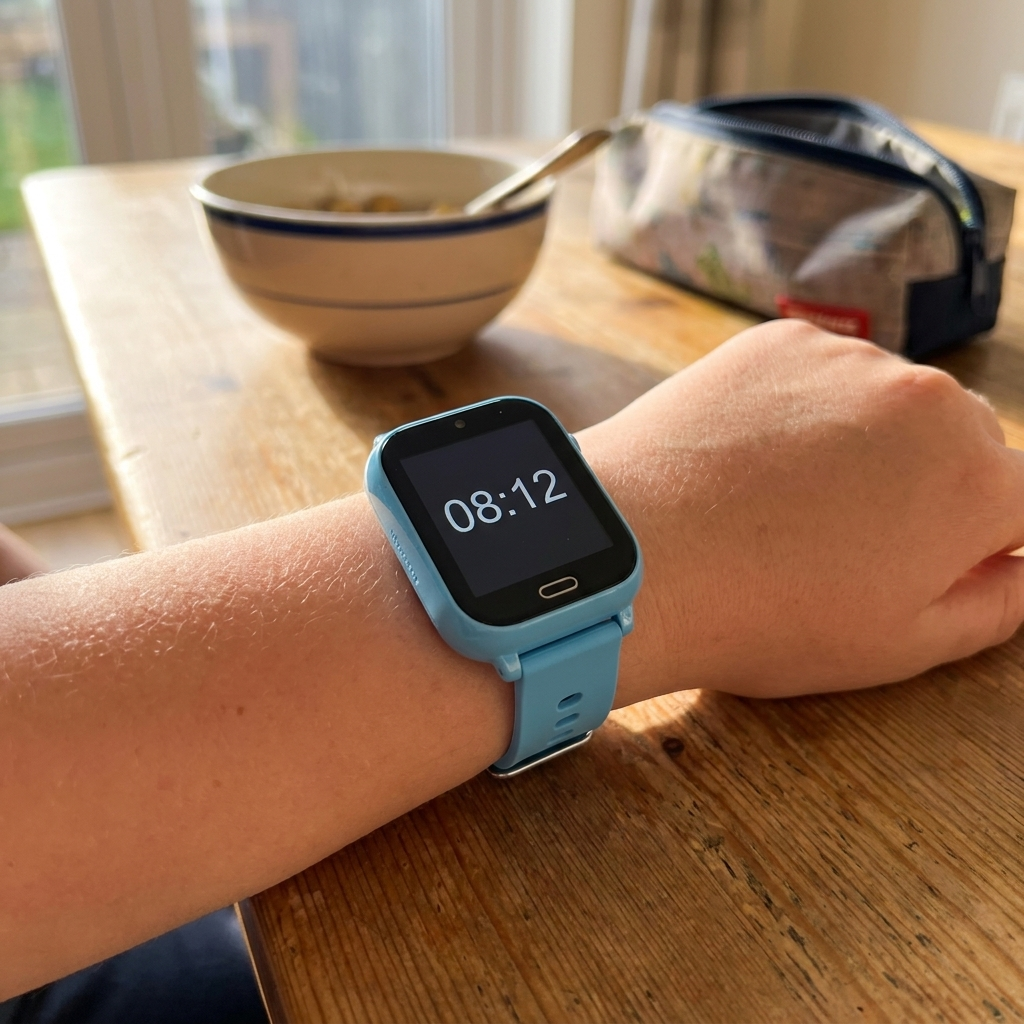
Not a leash. A thread.
A leash holds someone back. A thread holds nothing at all — it just tells you the other end is still there. That is the whole difference between following your child and being able to check on them.
It matters, because there is a line in this category and plenty of products walk straight over it. Checking is not surveillance. Your child knows they're wearing the watch. They can ring you with one press. They can be rung by the people on your list and by nobody else.
📞 Approved contacts only — unknown numbers are rejected before it rings
🚫 No internet, no browser, no social apps — the door you wanted kept shut stays shut
🤫 No remote listening. Not now, not in an update. The section below explains why we won't build it
Used properly it makes itself unnecessary. That is the point: you're not buying a way to watch them, you're buying the permission to stop.
The part nobody else in this category writes down
Your child's location is about as sensitive as personal data gets. Here is exactly where we stand.

🙈 There is no remote listening function
Some watches in this category let a parent dial in silently and listen to the room. We don't sell that, we don't enable it, and we won't add it later. Germany banned these watches outright in 2017 by classifying them as illegal listening devices. A British teacher put it plainly on Mumsnet: “If a parent has planted a listening device on a child, we would have to call the police.” She's right, and that is the end of the discussion.
🔒 Your data, your account
Location history sits under the parent account you create, and you control who else can see it. The SeTracker2 app is free and carries no advertising, so nothing about your child is being monetised to pay for it. You can delete the account and its history whenever you want, as UK GDPR requires.
🏫 The school day, honestly
Since 29 June 2026 the school day in England is phone-free by law, and the guidance explicitly covers smart watches. We will never write “school-approved” on this page, because no manufacturer can promise you that. Class mode switches the watch off during lesson hours; your school's own policy decides the rest. Ask them — the answer is usually simpler than parents expect.
💬 Tell your child what it does
This works best when it isn't a secret. Children who know the watch shows a rough position, and know it cannot hear them, wear it without resenting it. Children who find out later don't. The whole thing rests on them trusting you — which is the same thing you're asking them to earn.
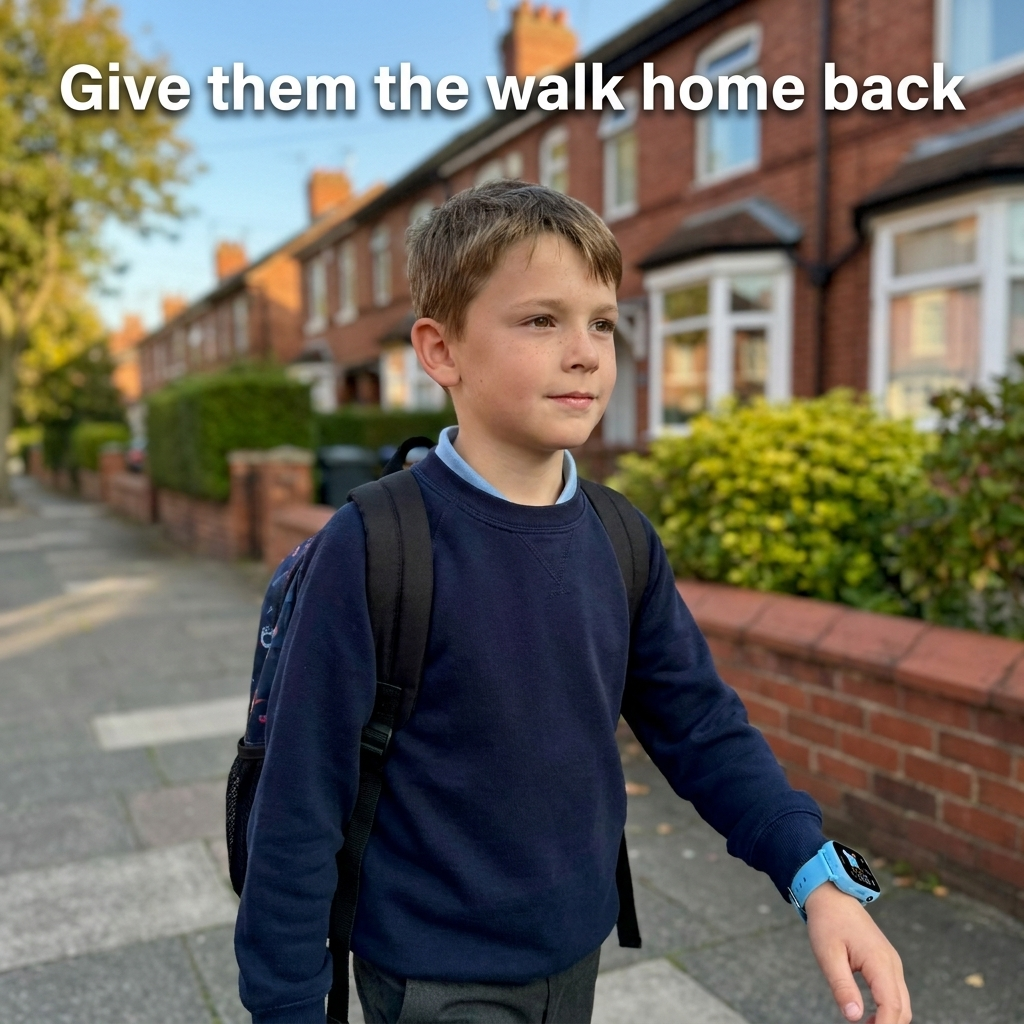
They gave the walk home back
Verified buyers, first term of use.
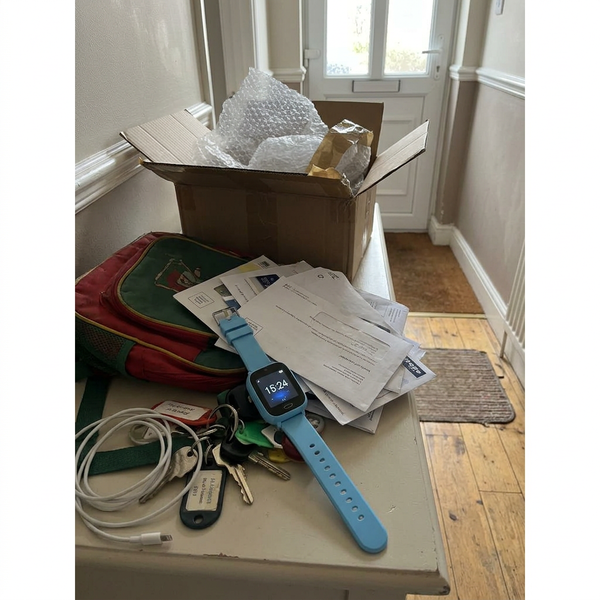
He does the last four hundred metres on his own now. I check once, see he's at the corner shop where he always is, and put the phone down. That's all I ever wanted — not to watch him, just to stop guessing.
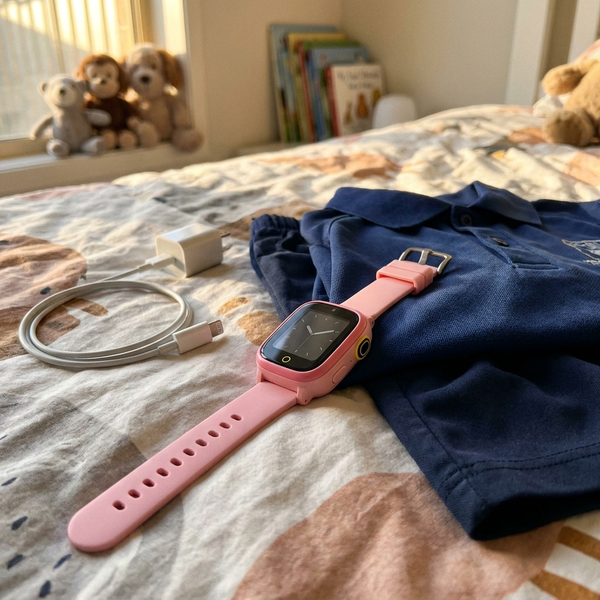
We had one of the cheap ones before and it put her half a mile away twice. This one has matched where she actually was every single time I've checked, including inside the leisure centre.
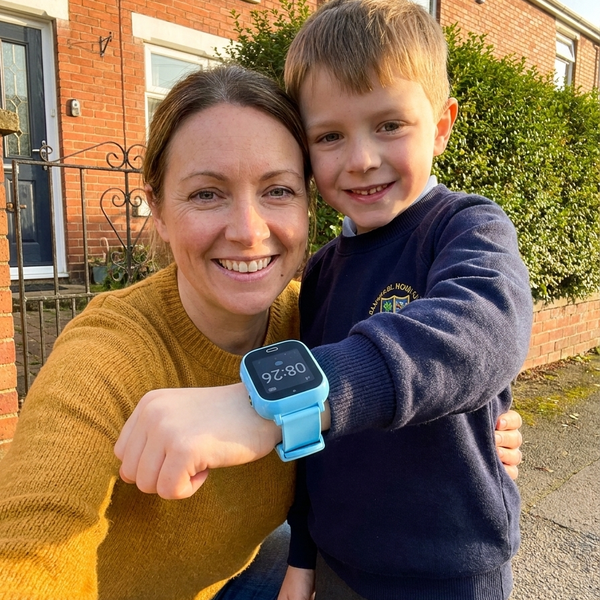
The bit that sold my husband was the SIM. About seven pounds a month on giffgaff and nobody bills us for an app. He'd done the sums on Xplora and refused on principle.
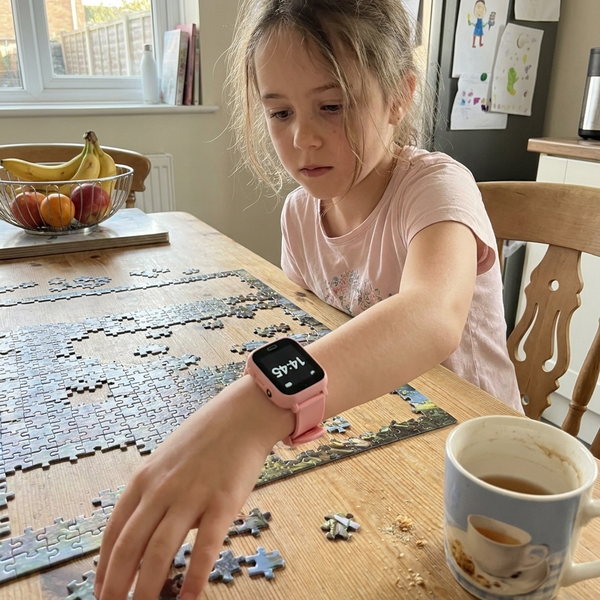
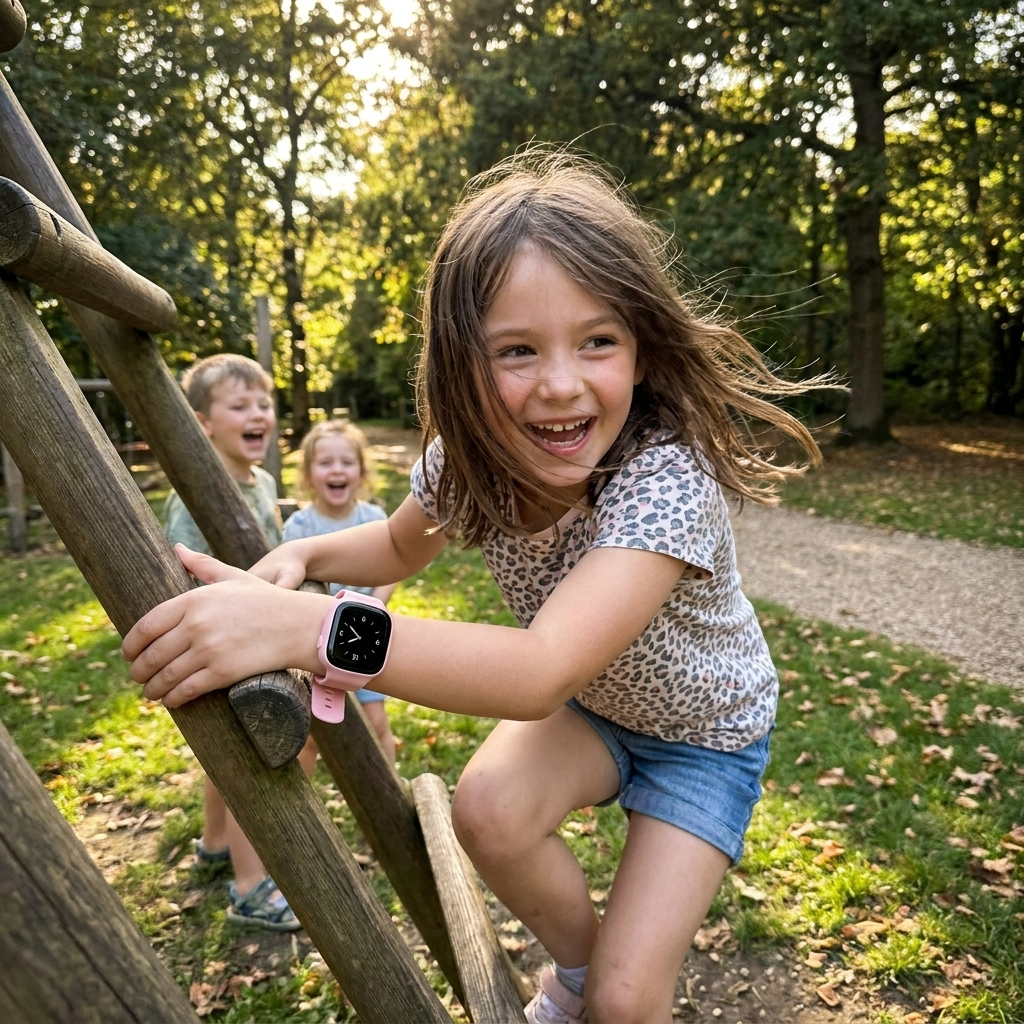
Took me about twenty-five minutes with the card in the Ready Kit, and most of that was waiting for it to charge. She picked the pink one and wears it to football without a word about it.
Frequently Asked Questions
Does it need a SIM card — and what does that cost?
Yes, and it isn't included. Kidspot is a small phone on a wrist: without a nano SIM with voice and data it can't call and can't report a location. Any UK PAYG plan works — Smarty, giffgaff, or a dedicated watch SIM on Three — and you're looking at roughly £5–10 a month. Turn the SIM's PIN lock off before inserting it. We'd rather tell you now than have you find out after it arrives.
Is there really no subscription?
None, ever, to us. The SeTracker2 app is free and carries no advertising. You buy the watch once and you own it. The only ongoing cost is the SIM you chose, on a contract you control and can cancel. Over twelve months that comes to roughly £120 all in, against £234.88 for an Xplora X6Play at £139 plus £7.99 a month on a 12-month commitment.
How accurate is it, honestly?
In a town or suburb with clear sky, expect street-level accuracy — enough to tell the park from the corner shop. Deep inside a large building or underground, GPS drops out and you're relying on Wi-Fi, which is less precise. In open countryside there is no Wi-Fi layer at all and you're on GPS alone. Nobody can promise a permanent, exact position, and anyone who does is selling you the same thing that put a child three miles into the woods.
Will my child's school allow it?
We can't promise you that, and we won't write “school-approved” anywhere on this page. Since 29 June 2026 the school day in England is phone-free by law, and the guidance explicitly covers smart watches. Class mode switches Kidspot off during the lesson hours you set, which is what most schools are concerned about — but the policy is your school's to make. Ask them before you buy. Kidspot is designed for the journey, not the school day.
Can I listen in on my child through it?
No. There is no remote listening function on Kidspot, we won't enable one, and we won't add one in an update. Germany banned this class of watch in 2017 by classifying it as an illegal listening device, and UK teachers treat a hidden microphone on a child as a matter for the police. Checking where someone got to and eavesdropping on them are different things, and we are only in the first business.
Why not just give them a cheap second-hand phone?
A phone opens the internet, social apps and every notification you were trying to hold off until secondary school — and since June 2026 it has to stay off all day at school anyway, so it doesn't even solve the problem you gave in for. Kidspot calls the people on your list and nobody else, has no browser, and is harder to lose because it's strapped on. It's the two-year bridge, not the destination.
Will my child actually wear it?
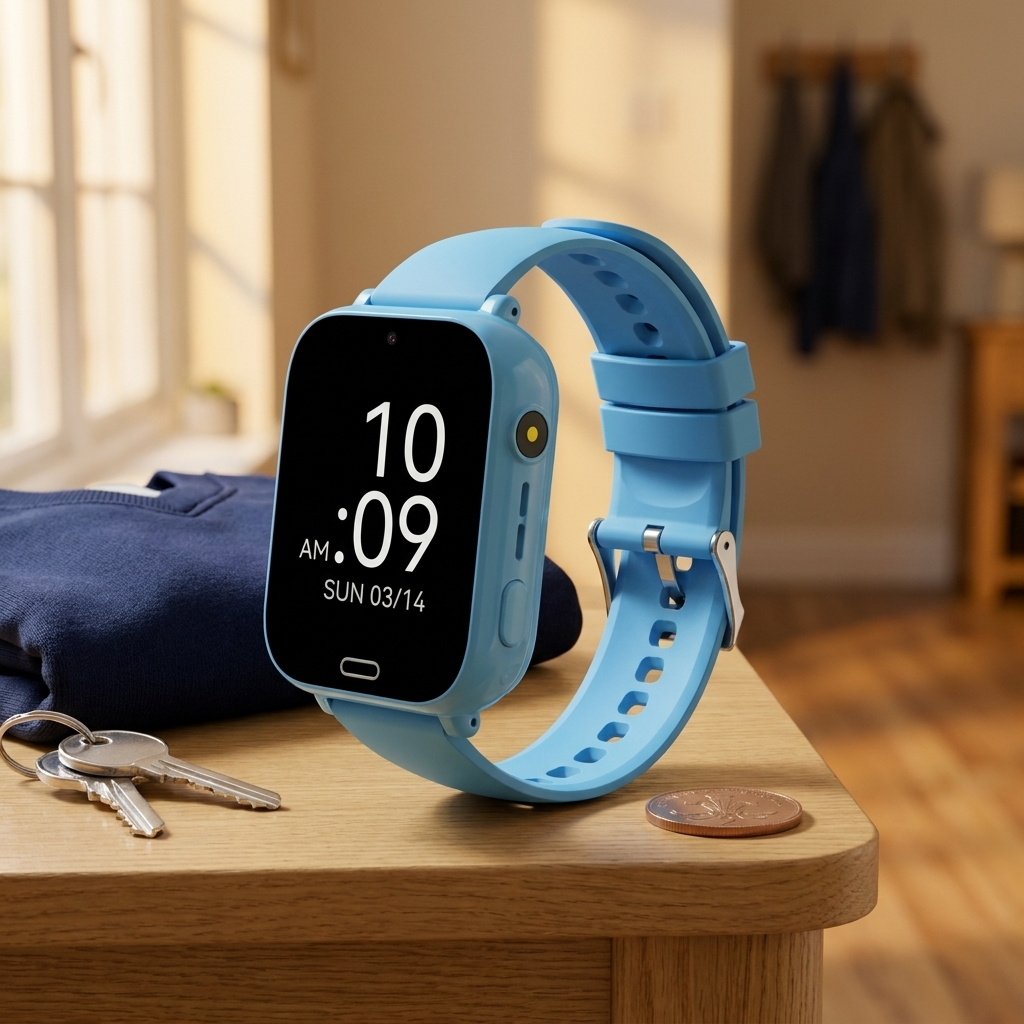
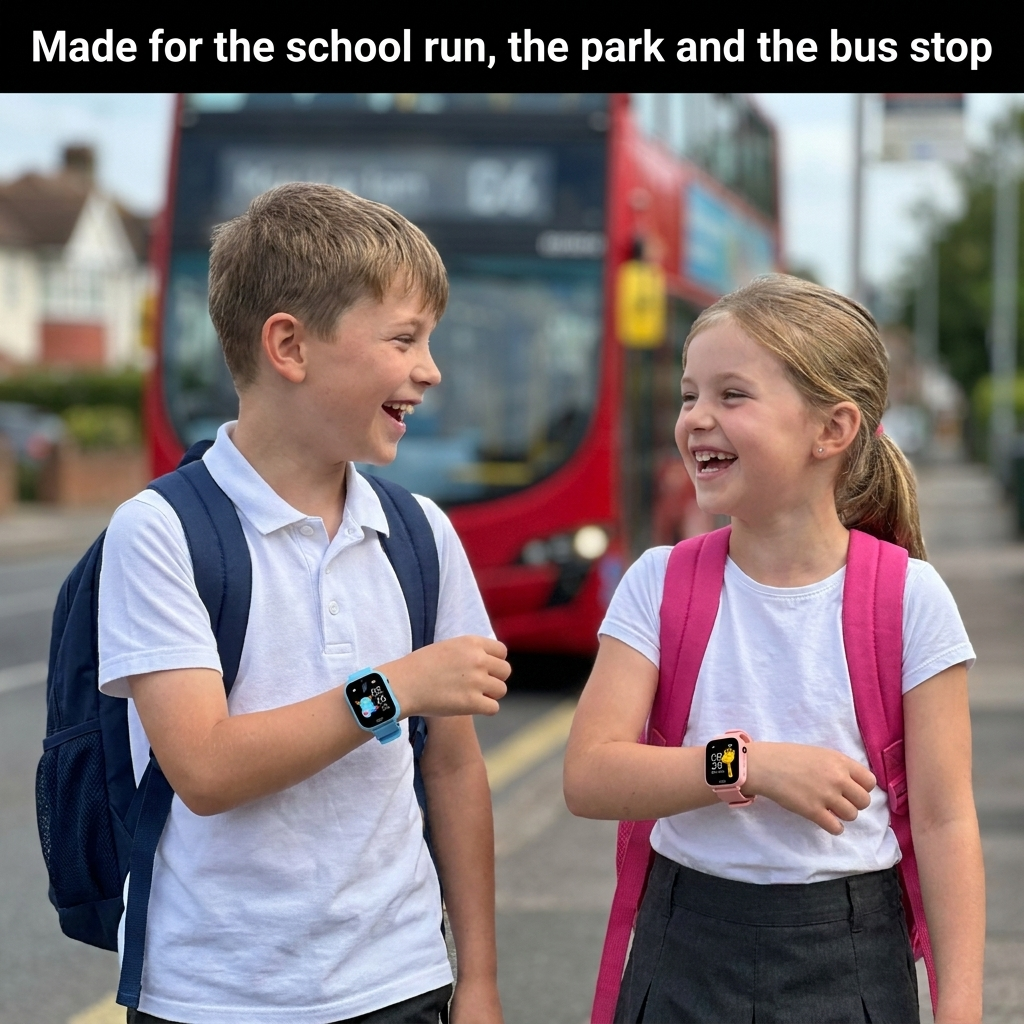
It's 41 mm across on a soft silicone strap, in black, blue or pink, and it looks like a watch rather than a medical device — which matters far more at nine years old than any spec on this page. The most reliable thing you can do is tell them exactly what it does and what it can't do. Children who understand it wear it. Children who feel it was slipped past them take it off.
What about battery life and water?
600 mAh, up to four days on light use — but frequent location refreshes and calls bring that down a lot, so plan on charging two or three times a week. It takes about two hours on the magnetic cable, which clicks on rather than plugging in. Water resistance is IP65: rain, drizzle and splashes are fine. Swimming, baths and showers are not — take it off.
Does it work on holiday, or out in the countryside?
That depends on the SIM you choose and its coverage or roaming, not on the watch. Out in genuinely remote countryside the Wi-Fi layer disappears and you're on GPS and mast data alone, which is workable outdoors but weaker than in town. Kidspot was designed for towns and suburbs, and we'd rather say so than have you buy it for a hiking holiday and be disappointed.
What if it doesn't work out?
30 days to send it back for a full refund, for any reason — including “my son won't wear it”. Beyond that it's covered by a 12-month warranty. Support@novell-home.com reaches a person, and there's a contact form beside these questions.